
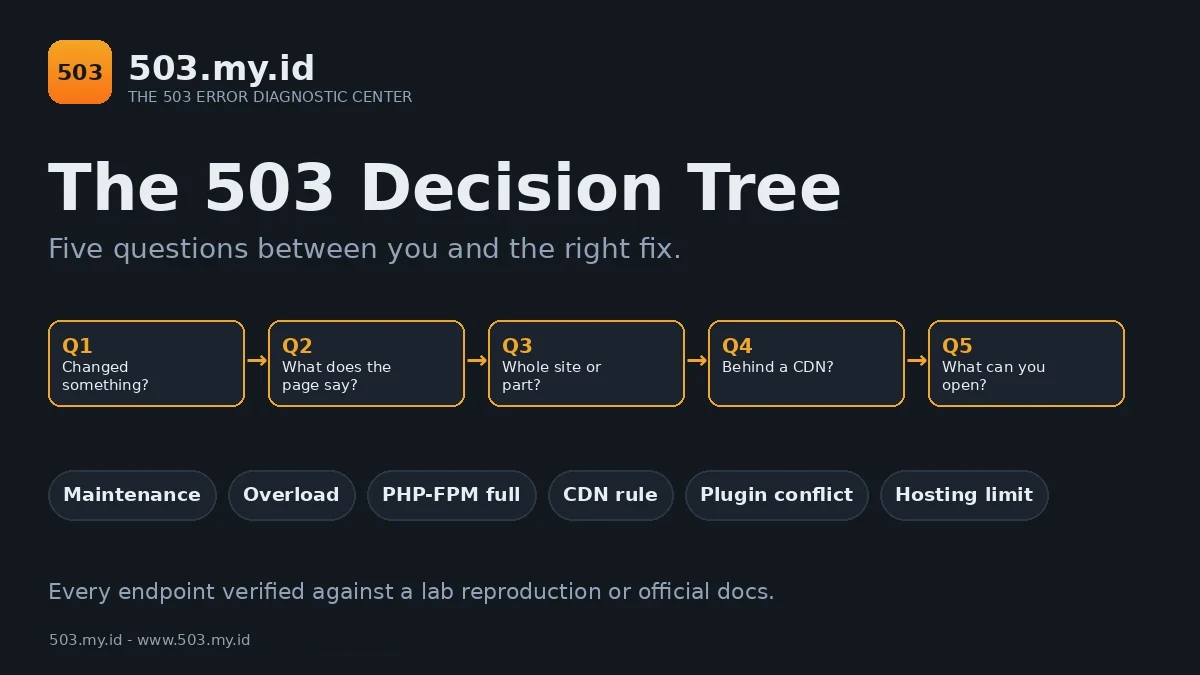
Built from failures we caused on purpose: the branches come from 503.my.id lab reproductions, and on 16 November 2026 six written scenarios were walked through the tree — 6 of 6 landed on the right cause.
Answer honestly, one question at a time.
- Did the 503 start after you changed something?
- Is the whole site down, or one page or store section?
- Your answers route you to one cause and one fix guide — no guessing, no random plugin disabling.
Start the Decision Tree
Five questions. No tools, no logins, no server access needed.
The 6 Endpoints and What Each One Means
Stuck in maintenance mode
An interrupted update left a .maintenance file in the site root.
WordPress answers 503 until that file is removed.
Fix: the WordPress 503 guide.
Overload — more requests than the site can serve
The server is healthy but full. Traffic passed its ceiling.
Fix: how to prevent 503 errors.
PHP-FPM worker pool is full
Every PHP worker is busy, so new requests queue and fail.
The proof is one log line: server reached pm.max_children.
Fix: the PHP-FPM 503 guide.
A CDN rule is returning the 503
A rate-limit, firewall, or worker rule answers 503 deliberately.
Your origin may be completely healthy underneath.
Fix: the Cloudflare 503 guide.
A plugin or theme change broke it
The 503 began with a change, so the change is the suspect.
Disable plugins in bulk, then restore them one at a time.
Fix: the WordPress 503 guide.
Hosting resource limit reached
Shared hosting caps entry processes and PHP workers per account.
Your panel’s Resource Usage graph shows the fault, timed exactly.
Fix: the cPanel 503 guide.
Prefer Paper? The Printable Flowchart
Same five questions, one page. Print it and keep it near the desk.
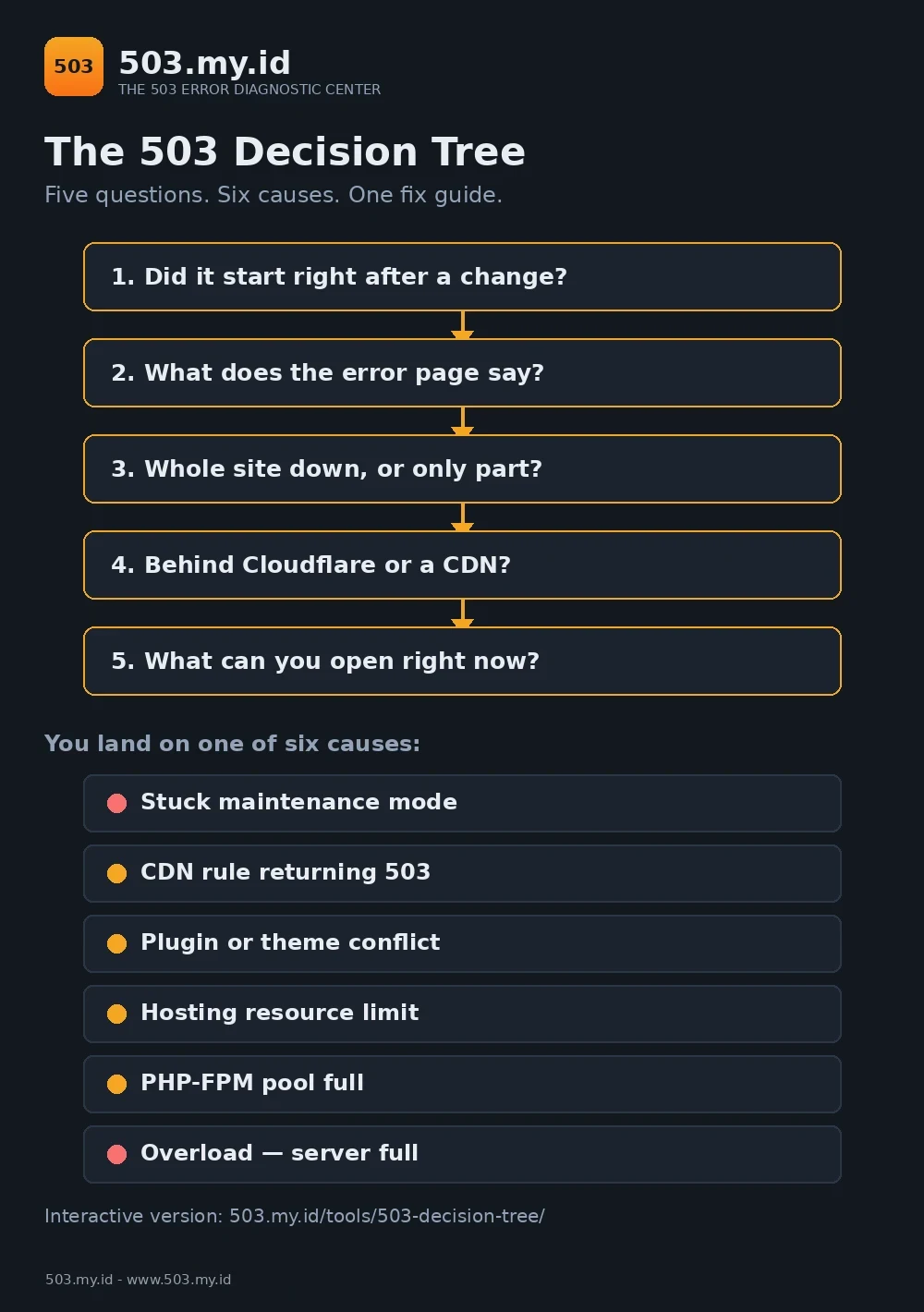
Download it as a PDF: 503 Decision Tree flowchart (PDF, one A4 page).
How This Tree Was Built
The tree is not theory. Its branches come from our lab notebook.
On 16 November 2026 we reproduced a stuck WordPress maintenance mode.
The response was a 503 with Retry-After: 600, every time.
The same day, we saturated a three-worker PHP-FPM pool with parallel requests.
The FPM log answered: server reached pm.max_children setting (3).
Those two reproductions anchor the maintenance and PHP-FPM endpoints.
They are documented in full in 503 Service Unavailable: Causes and How to Fix It.
The CDN and hosting-limit endpoints follow official Cloudflare and cPanel documentation.
Their hands-on reproductions live in their own fix guides.
Finally, we path-tested the tree against six written scenarios.
Maintenance, plugin conflict, CDN rule, full pool, hosting limit, plain overload.
All six scenarios landed on the correct endpoint: 6 of 6.
FAQ
What if my answer is \u201cI don’t know\u201d?
Pick \u201cNot sure\u201d or \u201cNothing\u201d where offered. The tree still routes you.
Your endpoint guide then starts with the check that removes the doubt.
The tree sent me to two causes — which first?
Fix the earlier layer first: maintenance before plugins, CDN before origin.
Retest after each single change. Two fixes at once teach you nothing.
Does the tree work for Shopify?
Not really. Shopify gives you no server to diagnose.
Use the Shopify 503 guide instead — it starts from their status page.
Sources and date: Tree logic path-tested 16 November 2026 against six lab scenarios. Endpoint evidence: 503.my.id lab reproductions of the same date.
Platform behaviour follows official WordPress, Cloudflare, and cPanel documentation, plus RFC 9110 §15.6.4.