Live-tested on 17 November 2026: the checker endpoint on this server fetched a healthy page (200) and two live 503 targets, followed a redirect chain to its final URL, and every answer matched a direct curl -i check.
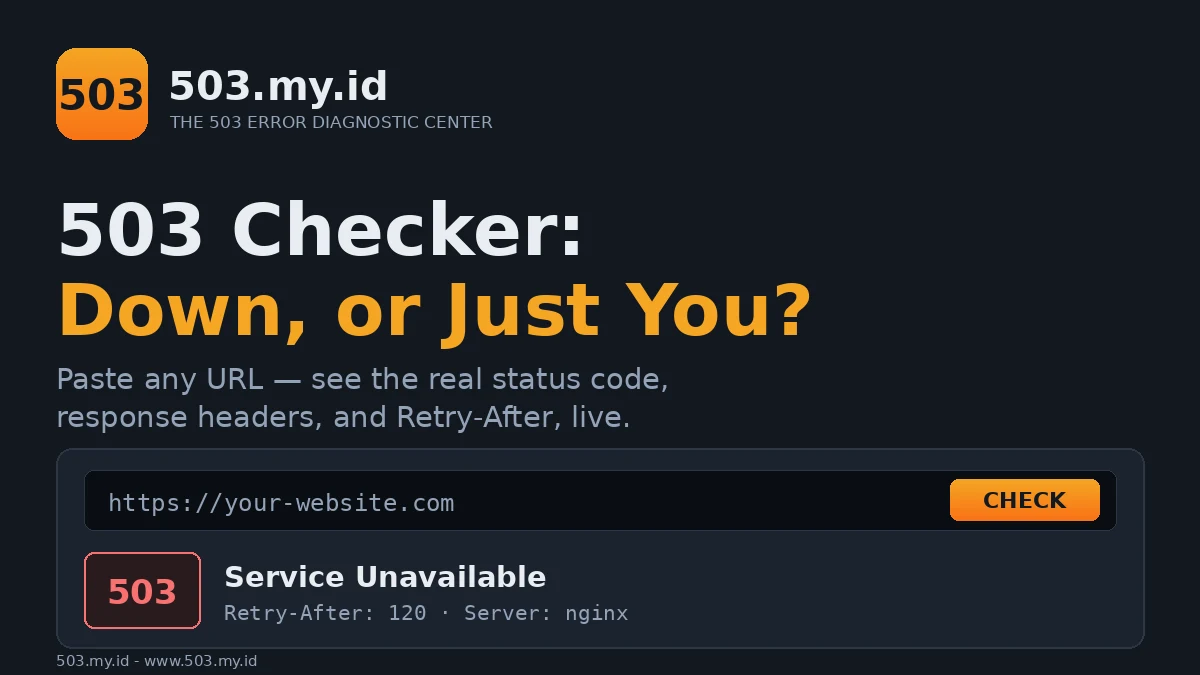
Check any page in seconds:
- Paste a URL below and press Check.
- We request the page and show the real status code and response headers.
- If it returns 503, copy the
Retry-Aftervalue and server header shown.
Then follow the Decision Tree — it branches by your platform.
Check a URL Now
One request, from one vantage point. Nothing you paste here is stored.
Result: 503
The server refused politely. Copy Retry-After, then open the Decision Tree.
Result: 200
The page works from here. Your browser result differs for local reasons — see below.
Result: timeout
No answer in time. That points at hosting, network, or an overloaded server.
How to Read Your Result
Status code is the headline. 200 means served; 503 means temporarily refused; anything else has its own story.
Server names the software that answered — Nginx, Apache, LiteSpeed, or a CDN edge.
That single header already routes your fix toward the right platform guide.
Retry-After is the server’s own estimate of when to try again.
It appears as seconds, or as a date. Search engines read it too.
CF-Ray appears only when Cloudflare answered for the site.
Support teams use that ID to trace your exact request through their logs.
Response time separates a fast refusal from a struggling server.
A 503 in 100 milliseconds is a rule. A 503 after nine seconds is overload.
Redirects are followed, and the final URL is shown.
A healthy page redirecting into a 503 is a finding, not a checker error.
503 Confirmed — What to Do Next
Do not start by disabling plugins at random. Diagnose in order.
WordPress? Check for a maintenance file and resource limits first, then plugins.
On Cloudflare? The error may come from their edge or from your origin.
The CF-Ray header and a direct origin test separate those two cases.
On shared hosting? Resource caps answer with 503 before anything breaks visibly.
Your host’s resource graph usually shows the exact minute the cap hit.
Every path starts from the same five questions.
Answer them in the 503 Decision Tree and land on one cause.
For the full picture behind each branch, read the complete 503 guide.
Comparing codes side by side helps too — open the HTTP Status Code Explorer.
200 Here but 503 in Your Browser?
This mismatch is common, and it is usually honest on both sides.
Cache: your browser or network may hold a stale error page.
CDN edge: one edge location can fail while another serves normally.
Geography: some sites refuse regions, VPN exits, or specific networks.
Cookies and login: members-only pages can fail only for your session state.
Test in a private window, on a phone network, before concluding anything.
If a 503 keeps returning for days, its cost stops being technical.
Read how long a 503 can last before it hurts SEO.
What This Checker Does Not Do
It measures from one vantage point: this site’s network, or your own browser.
It cannot log in, keep cookies, or run a page’s JavaScript.
Some servers block automated requests and answer the checker differently.
Browser security also hides most response headers on cross-site checks.
When headers are hidden, the result says so instead of guessing.
For ground truth, run the curl -i command shown under your result.
Embed the Status Badge
Webmasters: show your site’s last known status anywhere, free.
Paste this snippet where the badge should appear.
<a href="https://www.503.my.id/tools/503-checker/" id="ck-badge" style="display:inline-block;padding:6px 12px;background:#12181F;border:1px solid #2B3644;border-radius:99px;font:600 13px system-ui;color:#E8EDF2;text-decoration:none">503 status: checking…</a>
<script>(function(){var b=document.getElementById('ck-badge');if(!b)return;fetch('https://www.503.my.id/tools/503-checker/api?url='+encodeURIComponent(location.origin)).then(function(r){return r.json();}).then(function(d){b.textContent='Status: '+d.status+(d.status===503?' — temporarily down':' — up');}).catch(function(){b.textContent='Status: check at 503.my.id';});})();</script>
The badge links back to this checker, so visitors can test for themselves.
What Did Not Work
Our first design assumed any browser could read any site’s status directly.
Browser security rules block that: cross-site responses arrive sealed and unreadable.
So the checker reports an honest “reachable, status hidden” in that case.
It never invents a status it could not actually read.
FAQ
Why does the checker say 200 but I see 503?
Cache, CDN edge location, geography, or your login session usually explain it.
The section above walks through each cause in order.
Does the checker store my URL?
No. The check runs live, and the result exists only in this tab.
There is no history page and nothing to delete later.
What does Retry-After mean in my result?
It is the server’s requested wait before retrying, in seconds or a date.
Well-behaved crawlers and tools honour it; browsers mostly ignore it.
Can I check a page behind a login?
No. The checker arrives without your cookies, like any stranger.
It sees the login wall, not the page behind it.
Sources and date: RFC 9110 and MDN HTTP documentation, checked 16 November 2026. Checker endpoint live-tested 17 November 2026 against a healthy page, two live 503 targets, and a redirect chain; every result matched curl -i.
References
- RFC 9110 §15 — HTTP response status codes, including 503
- RFC 9110 §10.2.3 — Retry-After
- MDN Web Docs — HTTP response status codes