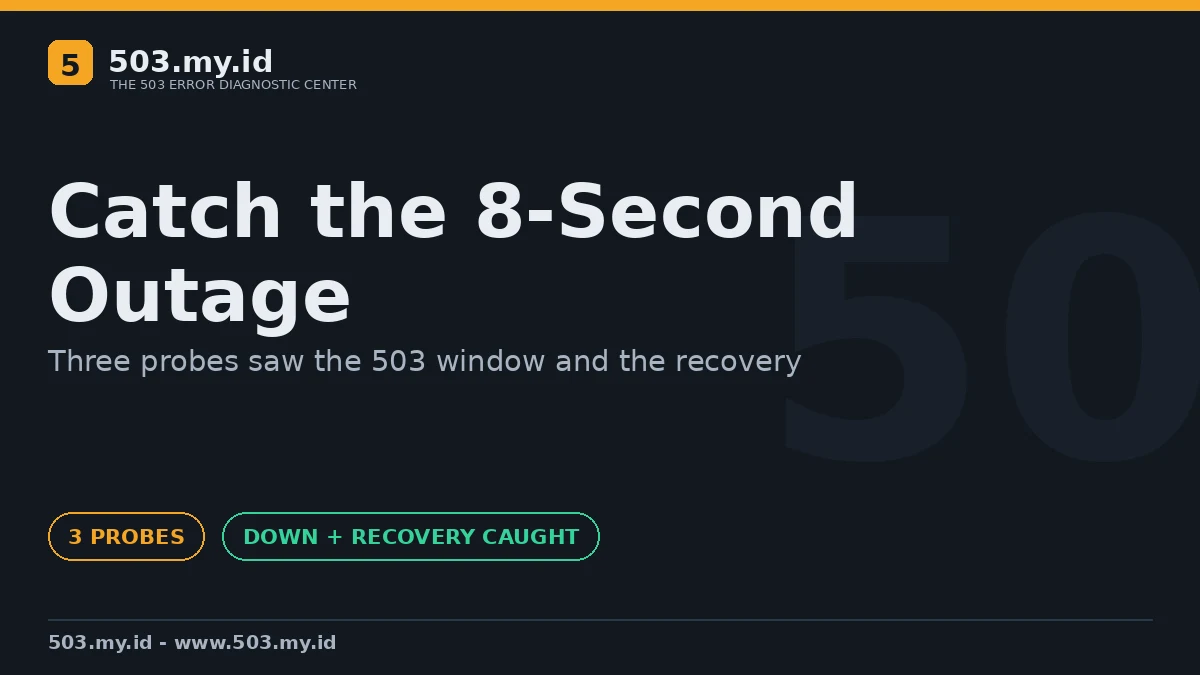
Monitoring test, 18 November 2026: three probes caught an eight-second 503 window plus recovery. Scope: separate network nodes, one lab machine — not public regions.
Monitor like a visitor, from outside, more often than your shortest outage.
- Probe your money pages every minute, from at least two independent vantage points.
- Alert on status codes and content, not on ping alone.
- Route the alert to a human with a runbook, not to an unread inbox.
When an alert fires, the 503 Decision Tree is the first page to open.
Every site owner has lived this scene: a customer reports the outage first.
Monitoring exists so that scene never plays again.
The checklist below is the setup our lab test exercised, item by item.
Our Lab: Catching an Eight-Second Outage
One target flipped between healthy 200s and forced 503s on a timer.
Three probes watched it independently: the host, plus two separate containers.
Each probe took twenty samples across one down-window and one recovery.
Detection of the outage landed within a fifth of a second for every probe:
host          down detected after 0.090s   recovery after 0.203s
docker-ols    down detected after 0.183s   recovery after 0.347s
docker-probe2 down detected after 0.202s   recovery after 0.344s
Those speeds flatter us: the probes sampled aggressively on a local network.
The transferable lesson is the shape, not the milliseconds.
Short windows are only visible to checks whose interval is shorter still.
A five-minute check can sail straight over a four-minute outage, twice a day, forever.
One more honesty note: separate containers are not separate continents.
Public multi-region proof belongs to a monitoring service’s own status data, not our lab.
The Checklist
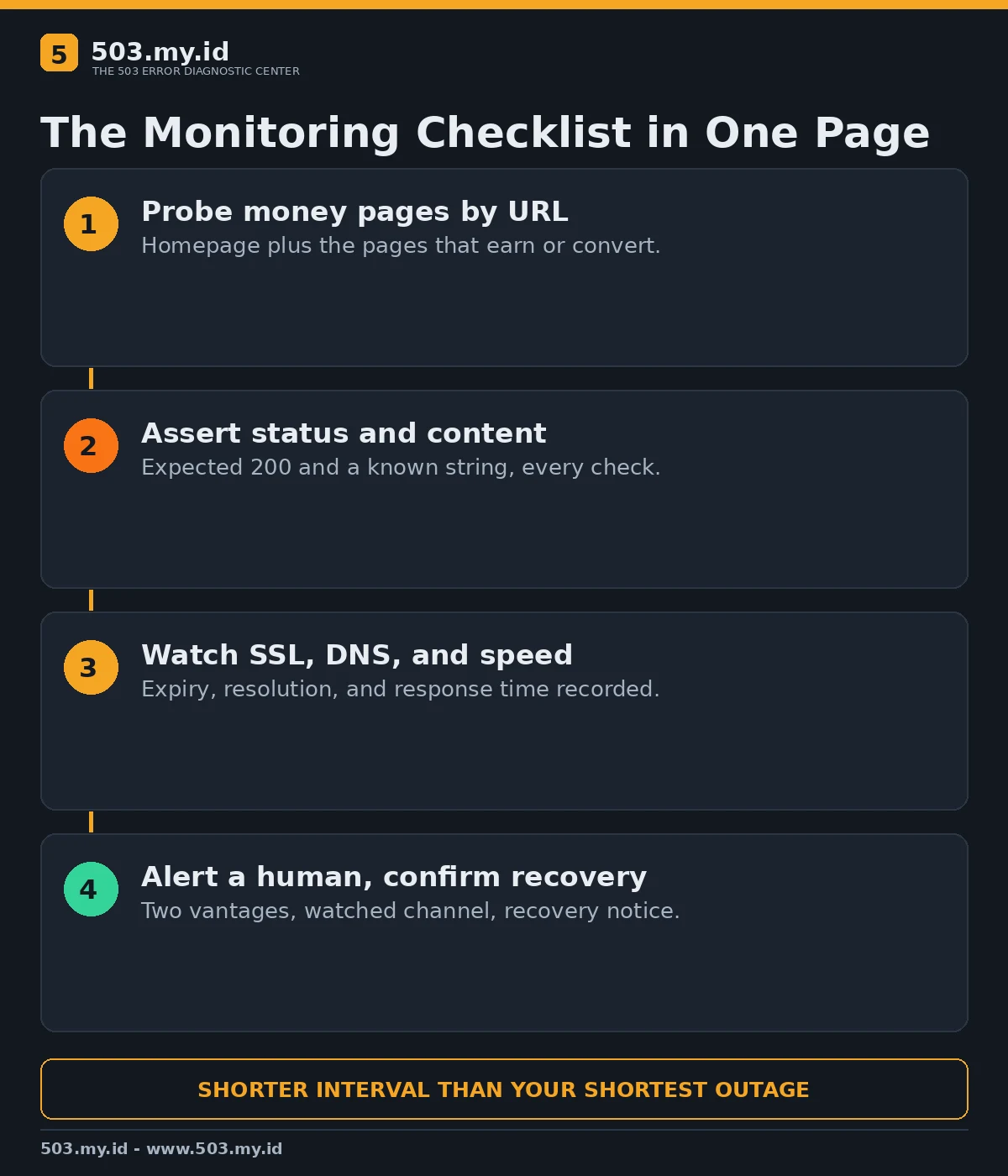
- ☐ Homepage plus the three pages that earn or convert — probed by URL, not by server.
- ☐ One checkout, login, or search request that proves the application, not just the web server.
- ☐ Status code asserted: anything except the expected 200 opens an incident.
- ☐ Content asserted: a known string must appear, catching soft-error pages.
- ☐ Response time recorded, with a slow threshold below your pain threshold.
- ☐ SSL certificate expiry checked daily, alerting weeks before the date.
- ☐ DNS resolution verified from the probe, because dead DNS looks like dead everything.
- ☐ Two vantage points minimum, so one network’s problem cannot fake your outage.
- ☐ Alerts delivered to a channel a human actually watches at 03:00.
- ☐ Recovery alerts enabled; silence is not proof the incident ended.
- ☐ A public status habit: note start, cause, and fix while memory is fresh.
- ☐ Monthly test: break staging, confirm the alert chain still fires end to end.
Intervals and Thresholds That Caught Ours
One-minute checks on money pages are my default starting point for small sites.
Two consecutive failures before paging avoids most single-probe noise.
Recovery needs its own confirmation, or teams keep fixing a healed site.
Escalate when an incident crosses ten minutes without a human acknowledgement.
Track the numbers monthly; a rising near-miss count is tomorrow’s outage introducing itself.
Fold monitoring into the wider system in how to prevent 503 errors.
What Did Not Work
Our first probe run bound its target to localhost only, and external probes saw nothing.
A monitor that cannot reach the target reports confidence, not truth.
Ping-only checks would have passed throughout: the machine answered while the site returned 503.
Single-location probing cannot separate your outage from the probe’s network outage.
Alerts without recovery notices left the test channel unsure the incident had ended.
Each failure above survived into this checklist as a line item.
The First Five Minutes After an Alert
- Confirm from a second vantage point — our own free 503 checker works.
- Open the error log before restarting anything; evidence first, heroics second.
- Note the exact start time from the probe, not from the first complaint.
- Work the cause with what causes a 503 error open.
- Close the loop: recovery alert seen, cause written down, checklist updated.
FAQ
How often should a small site check uptime?
Every minute for money pages is a sane start; five minutes hides short outages.
Is a free monitoring tier enough?
For one site with a few URLs, usually yes — if alerts reach a watched channel.
What should the probe check besides status?
A known content string, response time, certificate expiry, and DNS resolution.
Why two locations for a tiny site?
One location cannot tell your outage from its own network’s outage.
Sources and date: HTTP status documentation and our multi-probe lab test, checked 18 November 2026. Lab scope: one machine, separate network nodes.
References
- RFC 9110 §15.6.4 — 503 Service Unavailable
- MDN Web Docs — 503 Service Unavailable
- Google Search Central — How Google handles HTTP network errors and 5xx
Leave a Reply